 Vamimi
Turn a document into a flowchart
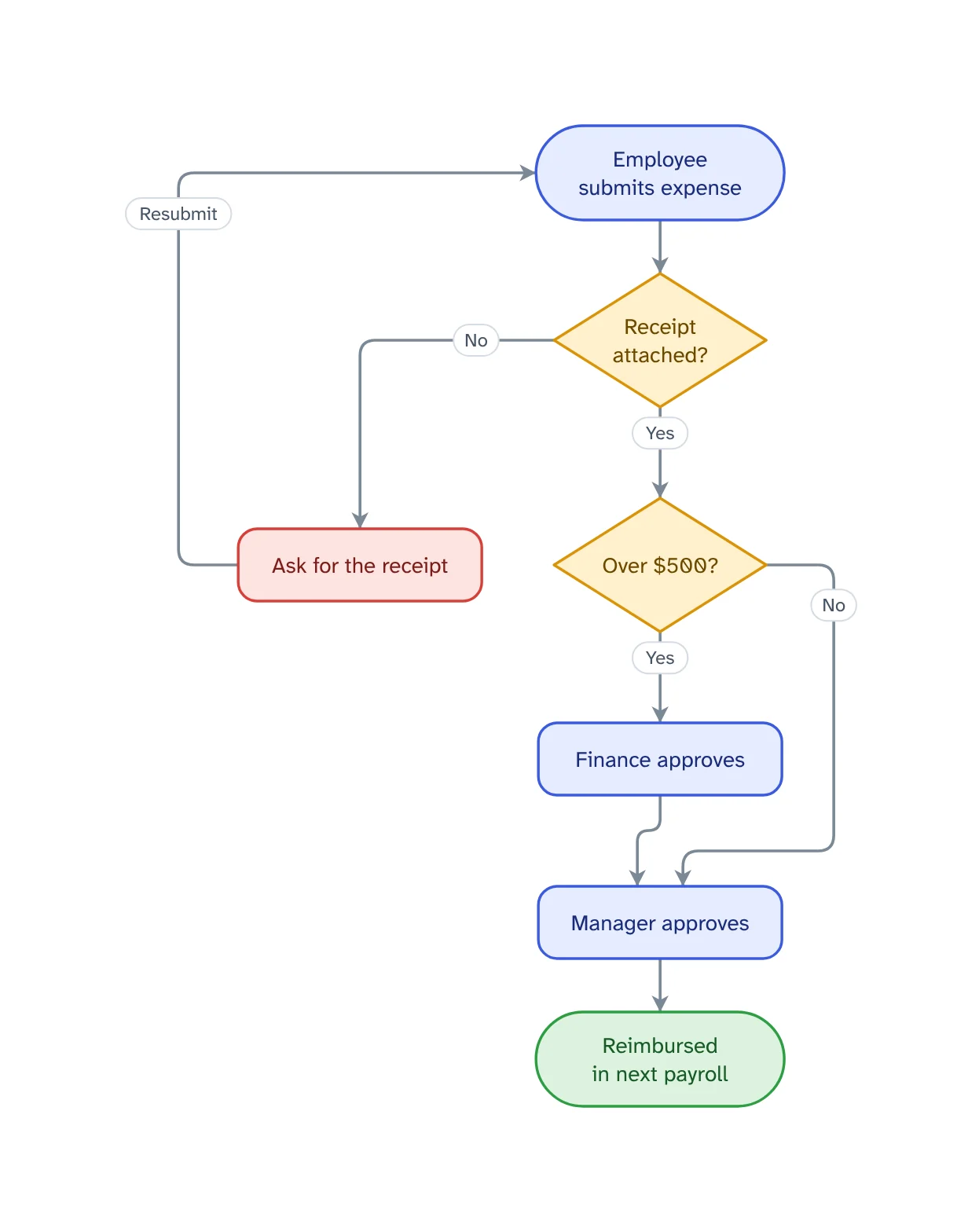
Policies, procedures and specs describe processes in long paragraphs. Attach the document and VamimiAI draws the process it describes as a flowchart.
The prompt: Turn the attached policy into a flowchart
. It goes into the message box for you to edit; nothing is sent until you press Send.
How it works
Attach the document
PDF, Word, Excel, CSV, HTML or text. Most are read in your browser; PDFs are read on the server and not stored.
Ask for the flowchart
Say which process you want if the document covers several.
Refine by asking
Say “add a retry”, “split the payment step” or “make it left to right”. Only what you ask for changes.
What you get
Many file types
PDF, Word (.docx), Excel (.xlsx), CSV, HTML, Markdown and plain text.
Read in your browser
Text, Word, Excel, CSV and HTML files never leave your browser to be read.
Folder instructions
Put documents in a folder and every chat inside it can use them.
Checked for gaps
Logic checks catch a decision with only one exit, a step that leads nowhere and a step nothing reaches.
Edit by hand too
Drag, resize, connect, add shapes, type labels, undo and redo. Your next message continues from your version.
Download anywhere
SVG, PNG, JPEG or PDF for every visual. Flow diagrams also export to draw.io and Mermaid.
Getting a good flowchart from a document
Name the process you want: “the approval process in section 3” works better than “this document”. A long document often describes several processes, and each reads best as its own diagram.
Ask a follow-up question when something looks wrong. If a decision has only one exit, VamimiAI's logic checks flag it, which often points to a gap in the document itself.
Prompts to start from
Questions
Which files can I attach?
PDF, Word (.docx), Excel (.xlsx), CSV, TSV, HTML, Markdown, JSON and plain text, among others.
Are my documents stored?
No. Files are read for the chat and not kept on the server. Your chats are saved in your own browser.
Is there a size limit?
No limit is set on what you write or attach. A text longer than VamimiAI can read at once gets a plain message saying so.
Guides on this
Make something else
- AI flowchart generatorWrite how a process works, the way you would explain it to a colleague.
- Swimlane diagram makerWhen a process passes between people or teams, a swimlane diagram shows who does each step.
- AI mind map makerGive VamimiAI a topic, a plan or your notes, and it draws a mind map: the topic in the middle, main branches around it, each branch in its own colour.
- AI chart and table makerPaste numbers, attach a CSV or Excel file, or describe the comparison you need.
Part of Automation documentation: Diagrams, failure checks and handover documents for the automations you build for clients: n8n workflows, Make scenarios and Zaps.
Describe it. Get the diagram.
No account needed. Write what you want, or attach a document, and refine the result by asking.
Open VamimiAI